✂️ Split a PDF
Long PDFs arrive when you only need part of one: a forty-page tenancy agreement where the landlord wants page twelve, or a bundle of scans where a single receipt belongs in an expense claim. Splitting takes the part you need out without a desktop, a web upload or a subscription to a converter site.
Free · No account · Nothing leaves your device
When this helps
Someone asks for one page of a long document
Send that page instead of forty and a note saying which one matters.
Separating one receipt from a batch scan
Pull it out for an expense claim and leave the rest of the batch intact.
Breaking a bundle into the parts that go to different people
Split once, share each half where it belongs.
How it works
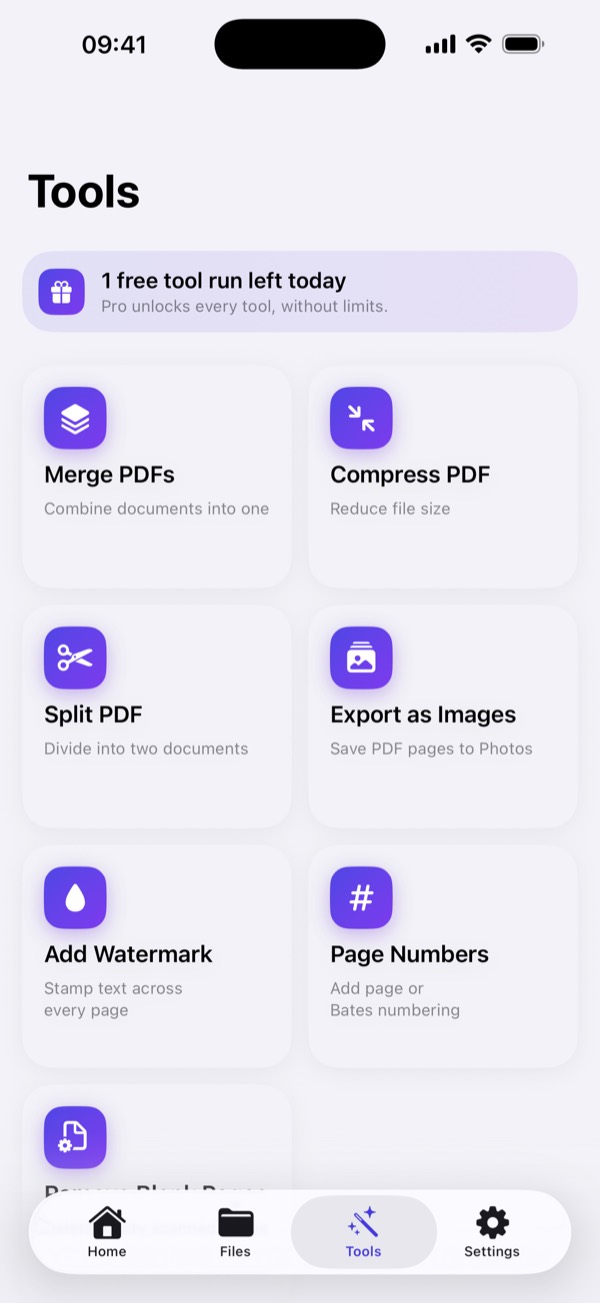
- Open Tools and choose Split PDF.
- Select the document you want to divide.
- Choose where to split it. The page you pick becomes the start of the second document.
- Export. Both parts are written as new files and the original stays where it was.
A look at it
What happens to your file
Splitting is done on the device. Nothing is uploaded, which also means no size limit and no copy of your document sitting on a converter's server.
Questions
Can I extract a single page?
Yes. Split at the page you want and keep the part you need.
Is the original changed?
No. Splitting creates new documents and leaves the original in place.
Can I split a PDF I did not scan?
Yes. Import any PDF from Files and split it the same way.
What if I split in the wrong place?
Split again from the original — it is untouched, so nothing is lost.
More things you can do
Free · No account · Nothing leaves your device